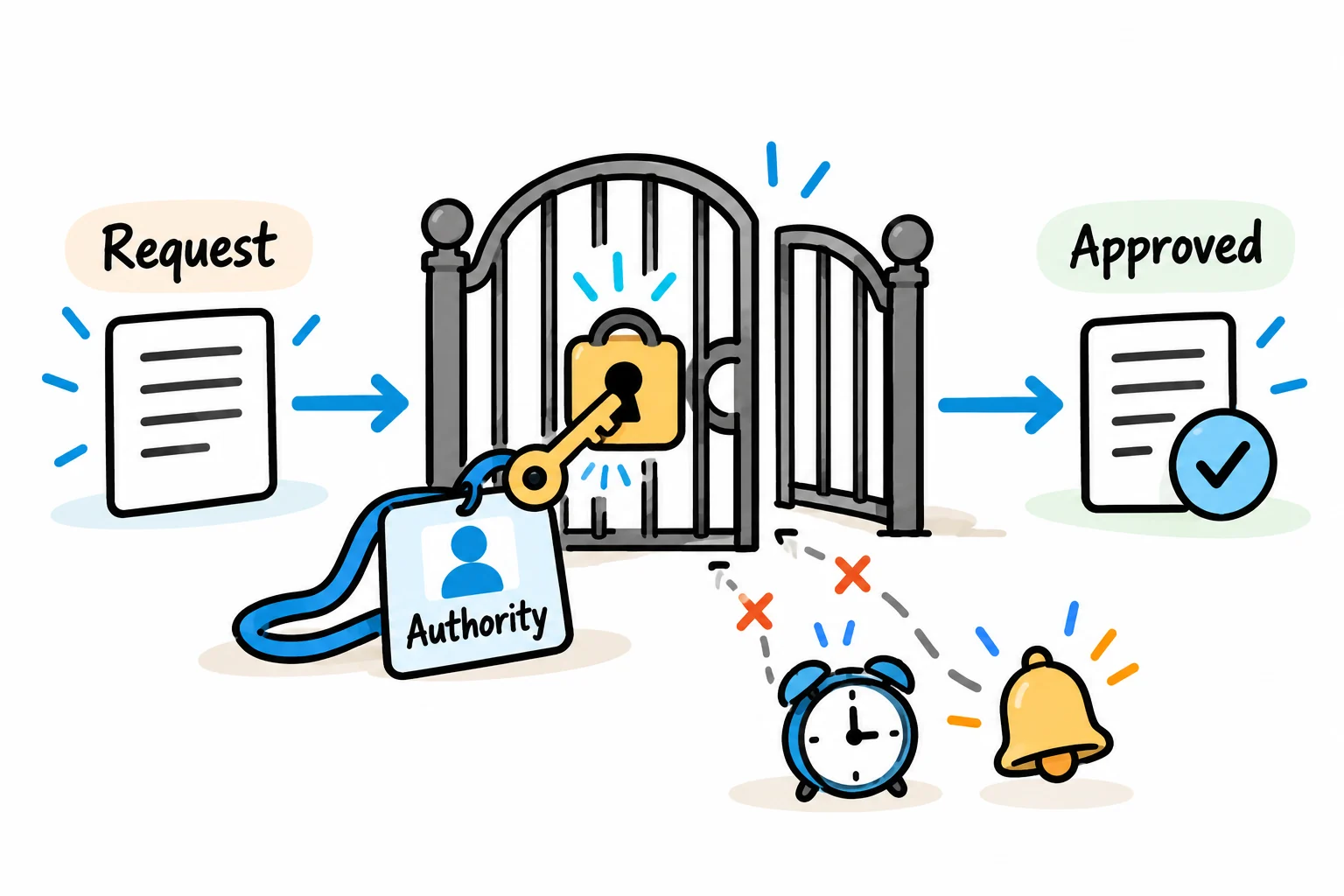
Automate the routing, reminders and record keeping around an approval while keeping decision authority explicit. Define who can approve each request, what information they are approving and what happens when a request changes or gets stuck.
Approval workflow automation works best when the policy can be translated into clear routes and exceptions. Email notifications alone leave important questions unanswered: whether a delegate has authority, whether all approvals are needed, and whether an old response still applies to a revised request.
The improvement may start with removing a redundant handoff or clarifying a decision, before any software changes are made.
Begin with one decision
Choose a bounded request, such as purchasing equipment. Specify what the approval authorises. Permission to buy equipment may be separate from supplier onboarding, release of payment or approval of a later invoice.
For the initial request, agree the required information: requester, supplier, item or service, business reason, quote, currency, total and relevant budget. Define how tax, delivery and other charges enter that total according to the organisation's policy.
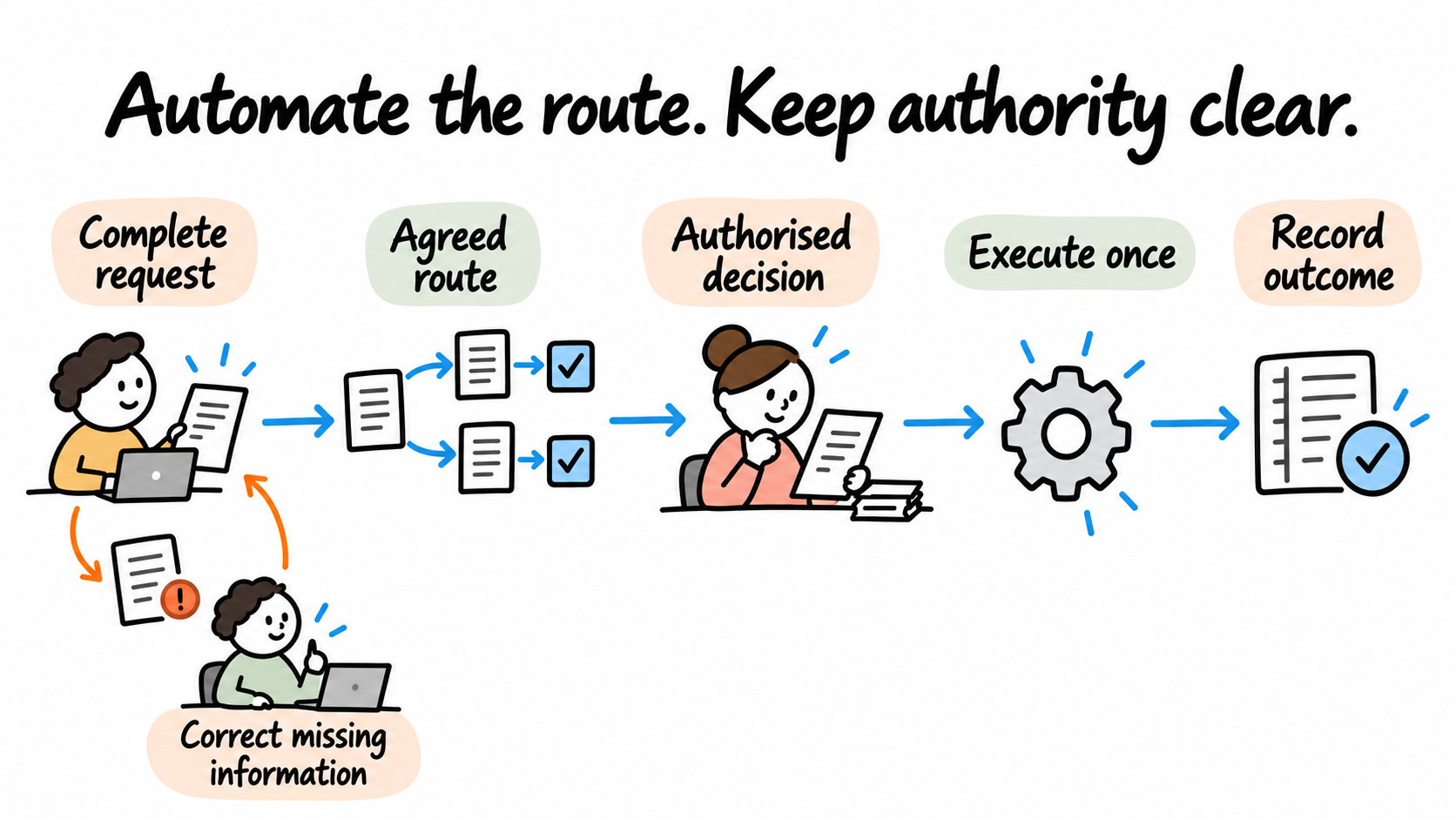
Incomplete requests should return to the requester with a specific reason. Sending them through the approval chain simply moves the missing-information problem to another person.
Write the approval matrix
The matrix below is an illustrative policy for an equipment purchase, not a statement of legal requirements or a client engagement. Each organisation must agree its own authority and controls.
Here, L means the department's configured spending limit in its base currency. The design uses the request's agreed comparable total. Requests needing a currency conversion pause until the conversion rule and source are defined.
| Request | Route | Completion rule |
|---|---|---|
| Standard purchase at or below L | Department approver | Approver accepts the current request revision |
| Standard purchase above L | Department approver, then budget owner | Both accept the current revision in order |
| Purchase in a restricted category | Relevant specialist, then the normal amount-based route | Specialist acceptance and the remaining approvals |
| Requester would approve their own request | An authorised independent alternate replaces that role | Alternate has the required scope and spending authority |
| No eligible approver or unresolved currency rule | Process-owner review | Request stays on hold until a valid route is established |
The editable approval matrix provides space for your own limits and role definitions. It deliberately leaves policy values for the owner to supply.
Choose whether multiple people approve in sequence, all must approve, or one response is enough. These are different rules. In Microsoft's approval documentation, “Everyone must approve” waits for all approvals or a rejection, while “First to respond” completes with a response from any approver. The workflow configuration must reflect the actual authority policy.
Make the normal route visible
The normal purchase path can be described in five stages:
- Validate the request and assign an identifier and revision.
- Calculate the route using the agreed policy version.
- Collect the required decisions for that revision.
- Confirm the request is still current before carrying out the authorised action.
- Record the outcome and notify the requester.
Here is the same route with its main exception paths:
Submitted request -> Validate inputs -> Determine eligible approvers
        |                  |                       |
        |                  +-> Missing data -> Requester corrects
        |                                          |
        |                              No valid route -> Owner review
        v
Current revision -> Required decisions -> All required approvals complete
        |                  |                       |
        |                  +-> Rejected -> Record reason and close
        |                  +-> Overdue -> Remind / escalate / hold
        |                                          |
        +-> Material change -> New revision and fresh route
                                                   |
                                   Confirm current revision -> Execute once
                                                   |
                                         Record confirmed outcome
This diagram is a design aid. Detailed transitions still need to be agreed and tested in the implementation.
Bind each decision to a request revision
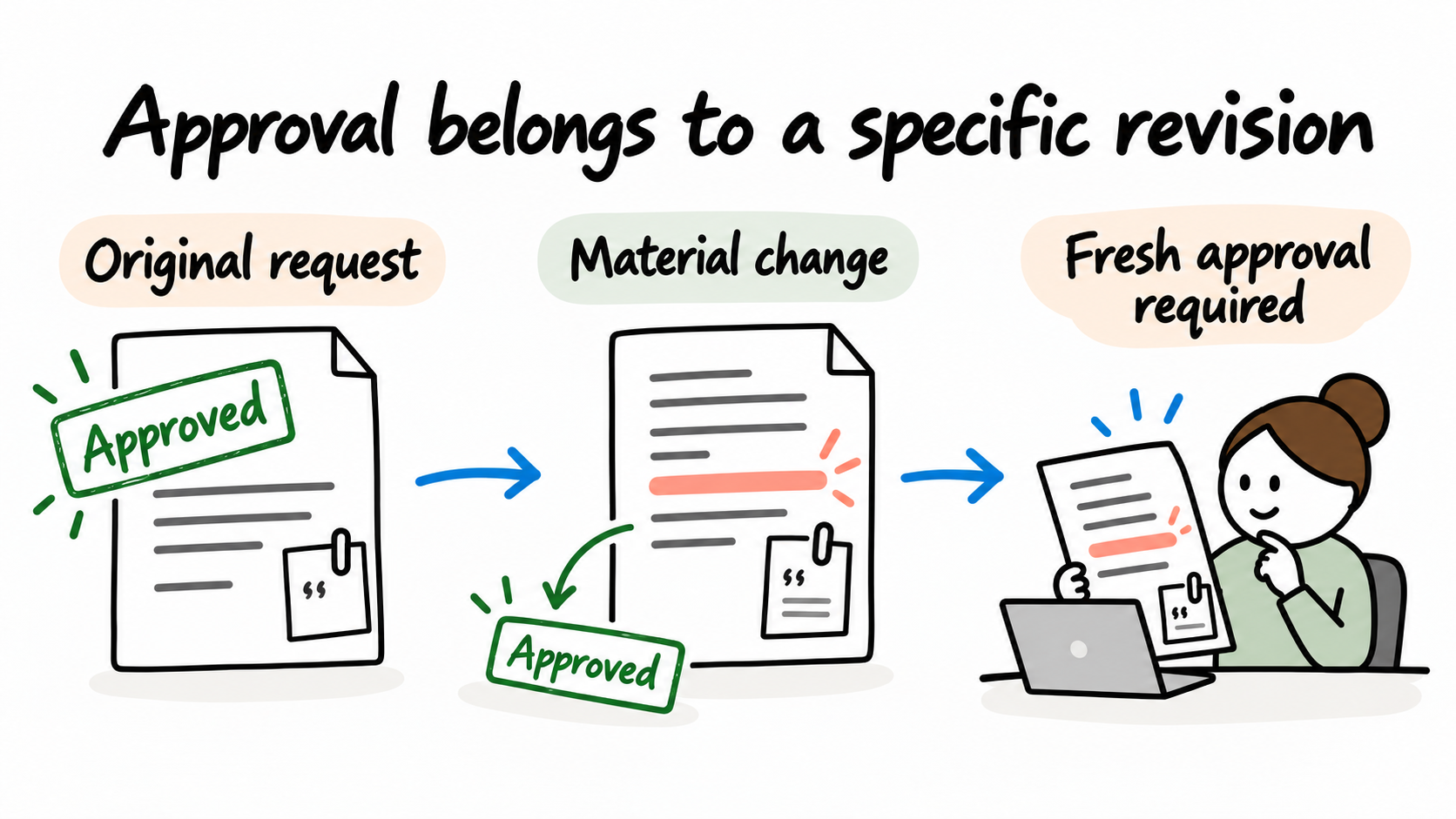
An approval should identify exactly what was accepted. Store the request revision, amount, supplier and quote reference presented to the approver.
Suppose someone approves a request and its total is then increased. Under this example policy, a material change creates a new revision and invalidates the old approval route. A delayed response to the earlier revision cannot authorise the revised purchase.
Agree which changes are material. A supplier change, revised scope or amount may require fresh approval; a corrected internal note may follow a different rule. Keep that distinction explicit rather than inferring it from whichever fields a form happens to update.
If a request changes during execution, the system must prevent an outdated approval from triggering the purchase. The implementation needs a controlled check and transition around the authorised action, not just a check made when an email was sent.
Handle absence and overdue requests

Delegation needs an authority rule. Record who may delegate, the delegate's scope and limit, and when that authority begins and ends. Forwarding an approval email does not establish those permissions.
For an overdue request, decide when reminders occur, who receives escalation and when the request pauses. Set the working calendar and time zone used for those deadlines. A person in another time zone should see an unambiguous due time.
In this example, elapsed time never counts as approval. A reminder can prompt a decision; it cannot supply one. Reassignment must also retain the record of who held the request and why it moved.
Keep decisions and execution traceable
Record the request identifier, revision, applicable policy version, assigned approvers, their authority, decisions and timestamps. Link the final action to those decisions. Give people access appropriate to their role and avoid copying sensitive documents into every notification.
Approval and execution are separate outcomes. If the purchase record cannot be created after approval, mark execution as incomplete and assign recovery. A retry must recognise an already completed action so it does not create a second purchase. The data-entry guide explains repeated events and uncertain write results.
Test the exceptions that affect authority
The acceptance checklist includes these review cases:
- A request exactly at L follows the at-or-below route; one above L follows the additional approval route.
- A requester cannot become their own alternate approver.
- A delegate outside their authority or effective dates cannot decide.
- An old approval response cannot release a changed request revision.
- An overdue or approved-but-unexecuted request stays visible for recovery.
These are proposed tests, not completed platform tests. Run them with the actual policy, roles and selected system before extending the workflow.
Measure waiting time by stage, requests returned for missing information, manual chasing and exceptions. Compare those measures with a recorded baseline. A faster notification is useful only if the decision and resulting action reach the right outcome.
Improve one approval process first
Use the automation scorecard if you need to choose between several approval processes. Start with a scope whose rules and owner can be established.
We help teams spend less time chasing approvals by investigating where requests wait and what a reviewer needs to decide. We work with the process owner to simplify the route and clarify authority before implementing the agreed workflow.
That can include clearer responsibilities, better request information, routing and system connections. We test ordinary and exception cases with your team and establish ownership for ongoing use. Bring one approval type, its current rules and a request that stalled.
See how we improve decisions and handoffs, or explore our broader business improvement and solution delivery services.
Discuss your approval workflow with Solvero.
About the author
Jateen Narsai is an IT professional with over 15 years’ experience in business and systems analysis, process improvement and software solution design. His work includes customer onboarding, approval workflows and reporting automation. He works across requirements, solution documentation, testing and implementation support, with a focus on reducing manual effort and making systems easier to use.