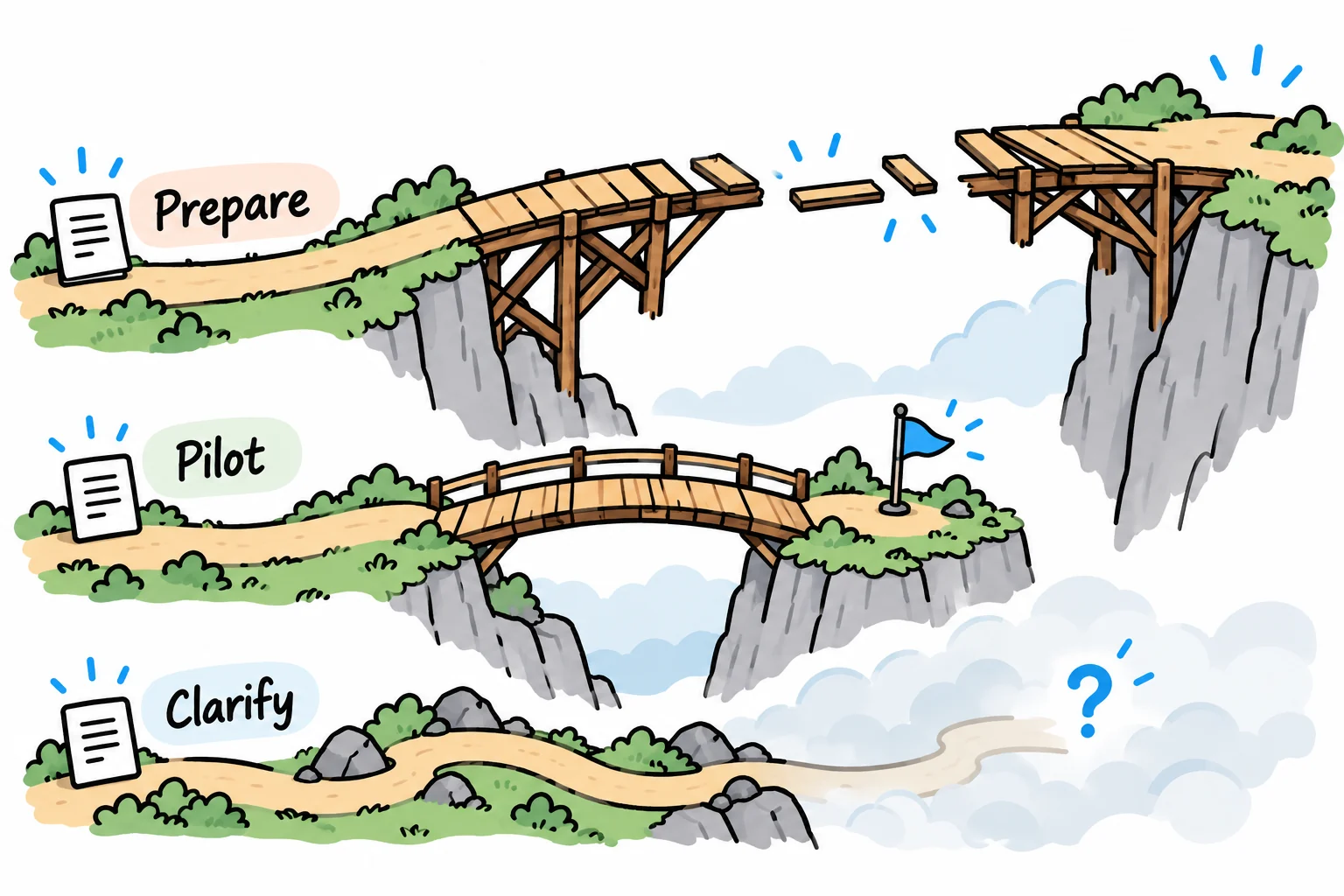
Start with a recurring process that has clear rules, usable inputs and an owner who can handle exceptions. Compare its potential value with the effort required to build and maintain it. A manageable first project gives you a way to test the approach before extending it to more work.
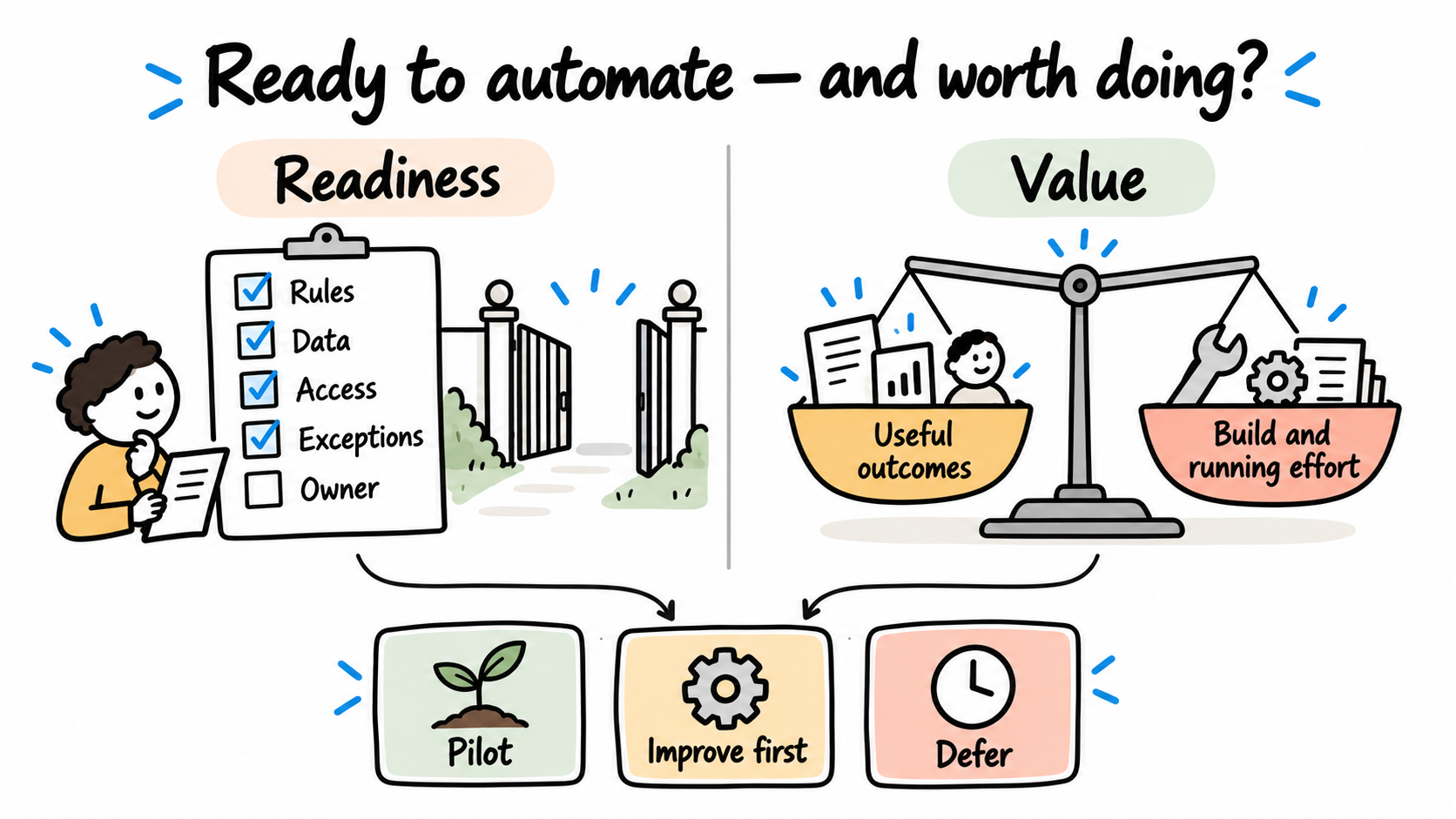
The process consuming the most time may need to be simplified before it can be automated reliably. Use the scorecard below to separate three decisions: automate a bounded step, improve the process first, or defer it.
The aim is to make work easier to complete. Choosing the first automation is one possible route to that improvement.
Define the work before choosing the tool
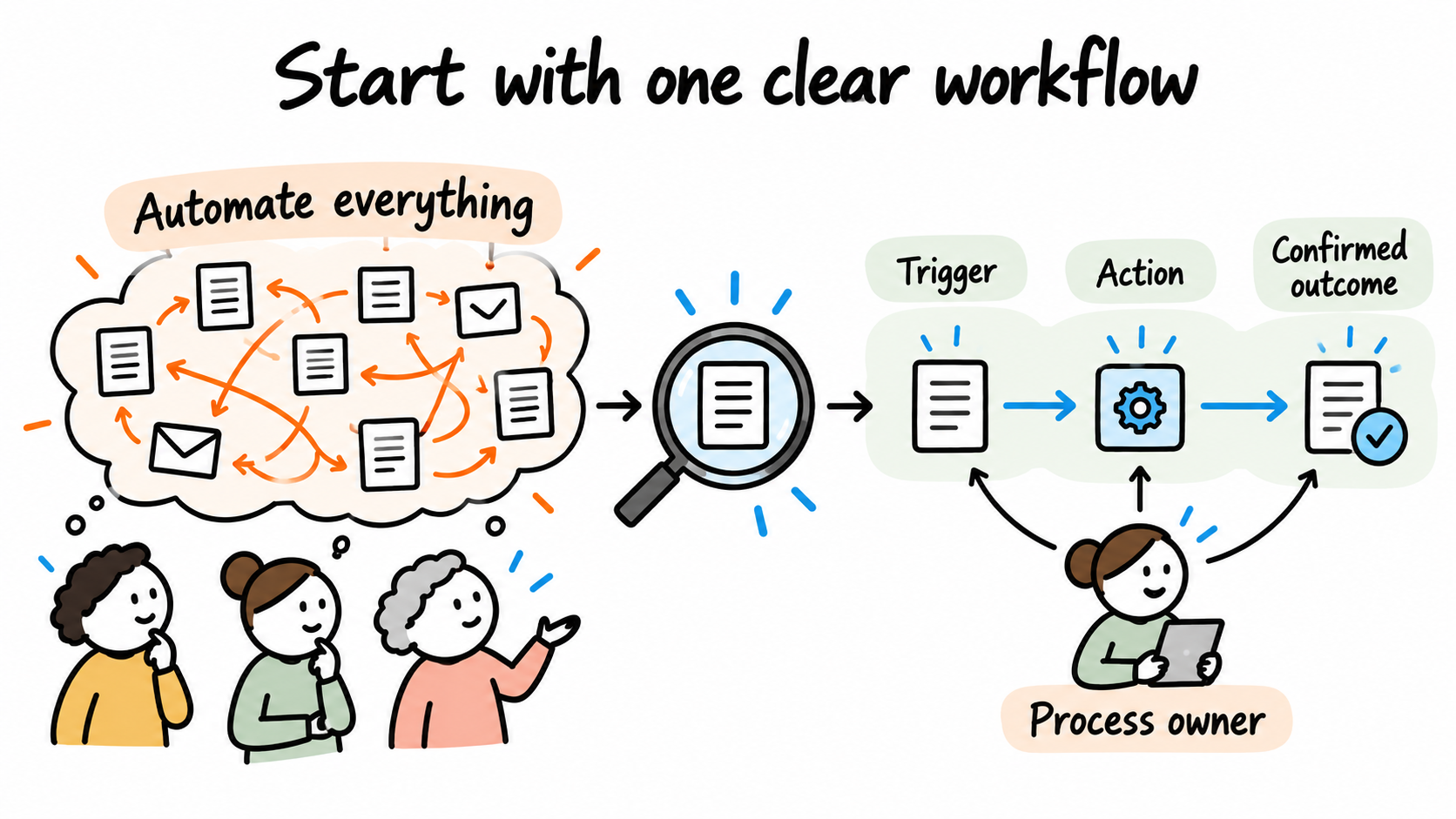
“Automate customer onboarding” can mean anything from sending a welcome email to checking contracts and creating accounts across several systems. That scope is too broad to compare with another opportunity.
Write one sentence with a trigger, an action and a finishing condition:
When a customer account is approved in the CRM, create or update its billing record in the accounting system and confirm the result to the account owner.
This boundary makes volume, effort and failures easier to measure. It also exposes work that should remain with a person, such as resolving a disputed billing identity.
Observe actual cases. Record the inputs people receive, the systems they touch and the reasons they stop. A process diagram based only on the intended procedure can miss the rework consuming the team's time.
Check five conditions before scoring
Use these as gates. An unknown answer needs investigation before implementation.
| Condition | Evidence to collect |
|---|---|
| A named process owner | Someone can agree the rules and accept the result |
| A defined trigger and outcome | Recent cases show when work starts and what completion means |
| Agreed decision rules | The owner can explain ordinary cases and identify decisions needing judgement |
| Approved access to usable data | Required fields, access permissions and permitted data use are understood |
| A recovery route | A failed or uncertain action has a named reviewer and a safe next step |
A failed gate does not make the idea worthless. It identifies preparation work. Missing customer details may call for a better form. Conflicting rules may need an operating decision. An unsuitable interface may require a different integration approach.
Score readiness separately from value
For each dimension, assign 0, 1 or 2 using evidence from the workflow. These are discussion aids, not validated industry benchmarks.
| Dimension | 0 | 1 | 2 |
|---|---|---|---|
| Rules | Disputed or undefined | Partly agreed | Clear for the proposed scope |
| Data | Required inputs unavailable or unusable | Some cleanup or validation needed | Required inputs usable and checked |
| System access | No approved, workable interface established | Interface available with unresolved constraints | Approved approach verified for the scoped actions |
| Exceptions | Unknown or no recovery owner | Known, handling incomplete | Known cases have a recovery route and owner |
| Operation | No responsible owner | Owner identified, operating arrangements incomplete | Owner, monitoring and maintenance arrangements agreed |
Add the five scores for a readiness total out of ten. A total should never cancel a failed gate. Ten out of ten also says nothing about whether a project is worth funding: a perfectly understood task may save too little effort to justify the investment.
Estimate the current effort separately:
Monthly handling hours = cases per month × active handling minutes per case ÷ 60.
Use active work time here. Waiting time matters too, but reducing a two-day queue does not automatically release two days of staff capacity. Record waiting time as a separate service measure.
Compare three candidates
Illustrative example with invented inputs: an equipment distributor compares three recurring workflows. The readiness scores assume the evidence described below has been collected; they are not client results.
| Candidate | Monthly volume | Active minutes per case | Current handling hours | Readiness | First decision |
|---|---|---|---|---|---|
| Check job-completion submissions | 320 | 6 | 32 | 5/10 | Standardise required inputs first |
| Transfer approved customer details to accounting | 120 | 5 | 10 | 10/10 | Scope a bounded pilot |
| Assemble a recurring management report | 4 | 90 | 6 | 5/10 | Agree definitions and simplify the report |
The job-completion checks consume the most time. However, missing evidence and inconsistent submissions prevent a reliable automated decision. Improving the submission form is the useful first action.
The customer-data handoff has an agreed trigger, field ownership, approved system access and a recovery owner. Its smaller scope makes it a stronger pilot candidate in this example. The companion data-entry guide explains the matching and failure cases to resolve.
The report has different definitions of the same measures. Automating its assembly would preserve that disagreement. Clarifying which decisions the report supports may also remove unnecessary sections.
The ten current handling hours in the customer-data example are not ten promised hours saved. Review, exceptions and maintenance will remain. Add implementation and operating costs before making an investment decision.
Use the scorecard in a planning meeting
Download the blank scorecard and completed illustrative scorecard. Open them in a spreadsheet and replace the example inputs with observed work.
Ask the people doing the work to challenge the numbers and assumptions. Include the process owner and whoever will support the automation. For each score, write down the evidence and what would have to change to improve readiness.
Choose one next action for each candidate: define a pilot, fix an input or rule, investigate a dependency, or defer it. This produces a useful decision even when no automation is ready to build.
Define success before implementing the pilot
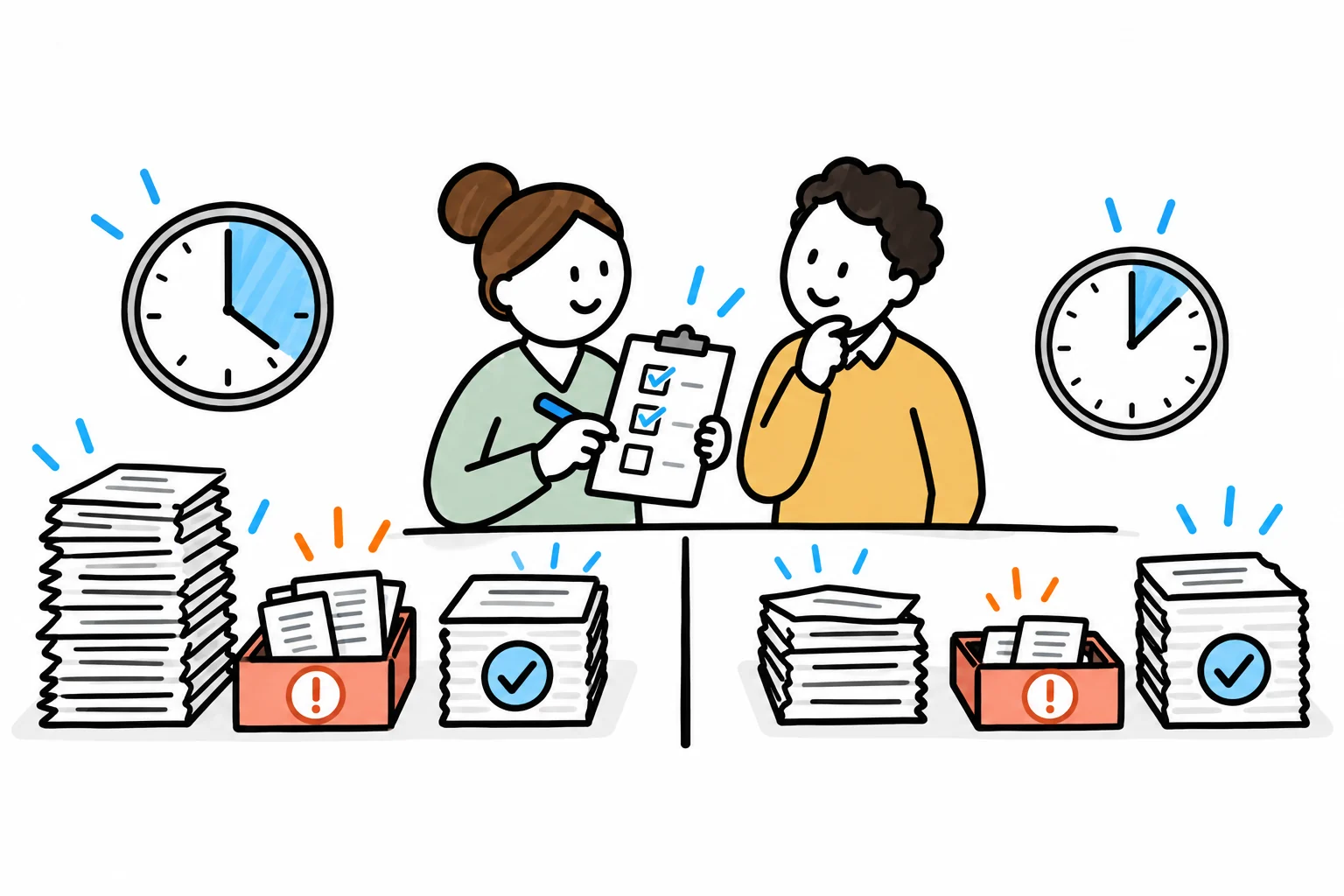
Set an observation period that includes ordinary cases and known exceptions. Agree what the workflow must do, who checks the outputs and when it should pause for review.
Measure these separately:
- Active handling time per completed case, including review and rework.
- Elapsed time from trigger to completion, including waiting.
- Failed, duplicate or incorrectly processed cases, alongside total volume.
- Ongoing support effort and changes required to keep the workflow working.
Start with a controlled set of records or requests. Compare outcomes against the agreed rules before widening access. A successful run once is useful evidence; it does not establish that every failure mode has been covered.
For decisions involving judgement or spending authority, define the human review explicitly. The approval workflow guide shows how to keep that authority visible in the design.
Need help choosing the first workflow?
Our operations improvement work helps you decide which changes are worth making and put them into use. We follow real cases with your team, investigate repeated effort and prioritise options against the result you need. A useful recommendation may be a simpler process, a clearer decision or a solution to build.
When the change is agreed, we can help introduce it through process redesign, software or integration work, with testing and handover included in the scope. Bring two or three recurring processes and an example of where work gets stuck.
See how we identify worthwhile improvements, or explore our broader business improvement and solution delivery services.
Discuss the improvement you need.
About the author
Jateen Narsai is an IT professional with over 15 years’ experience in business and systems analysis, process improvement and software solution design. His work includes customer onboarding, approval workflows and reporting automation. He works across requirements, solution documentation, testing and implementation support, with a focus on reducing manual effort and making systems easier to use.