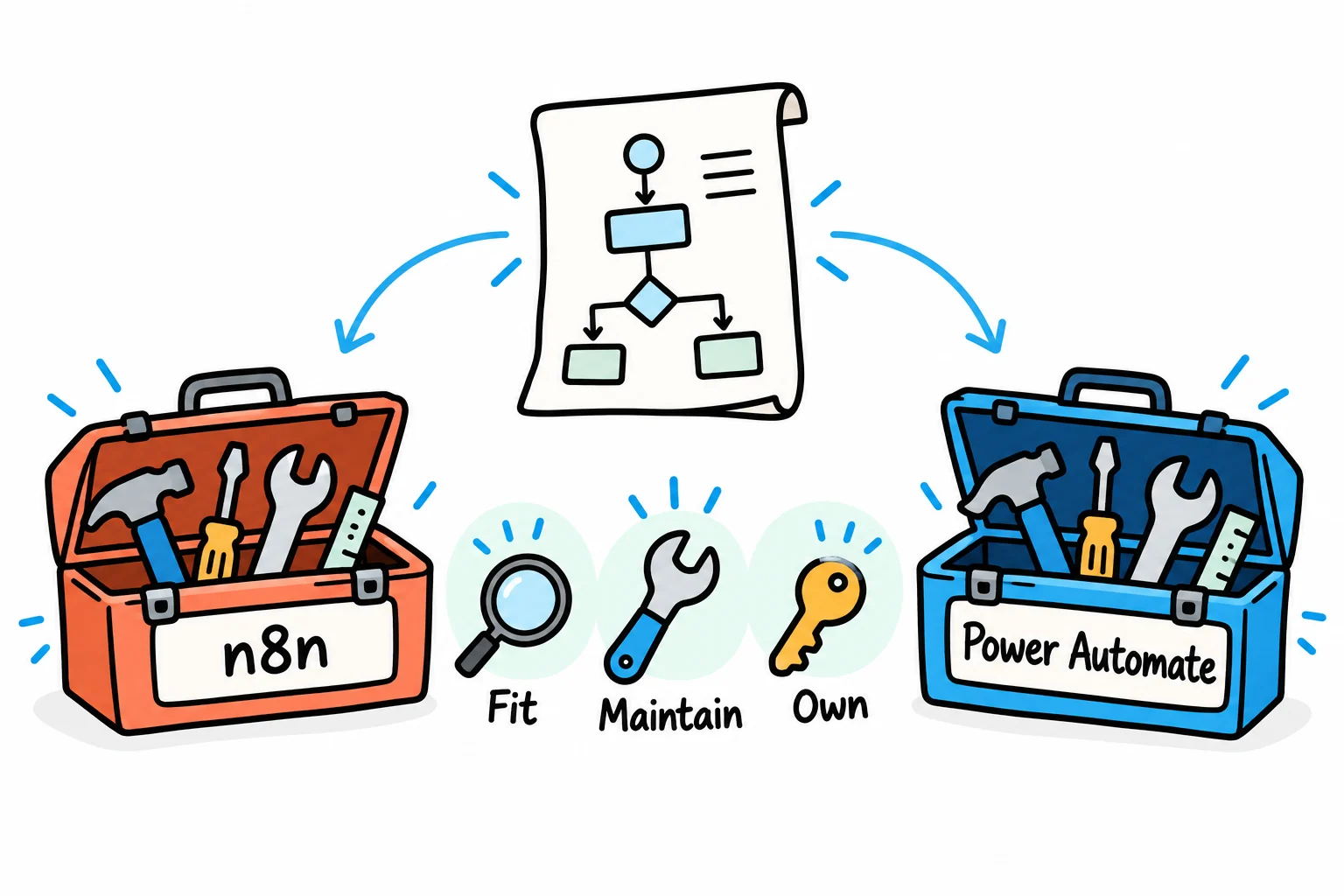
Choose between n8n and Power Automate by comparing the same workflow against your required system actions, approval rules, operating arrangements and total cost. Both deserve evaluation where they fit those requirements; the choice depends on the actual design and the people who will support it.
Power Automate is a practical candidate to assess when a workflow is closely tied to an existing Microsoft environment and its operating team. n8n is a practical candidate when its integration approach or self-hosting option matches the organisation's needs. Those are starting hypotheses for a pilot, rather than a performance ranking.
The useful result is a maintainable process that does what the business needs. Platform selection is one decision within that delivery.
Write one workflow brief for both platforms
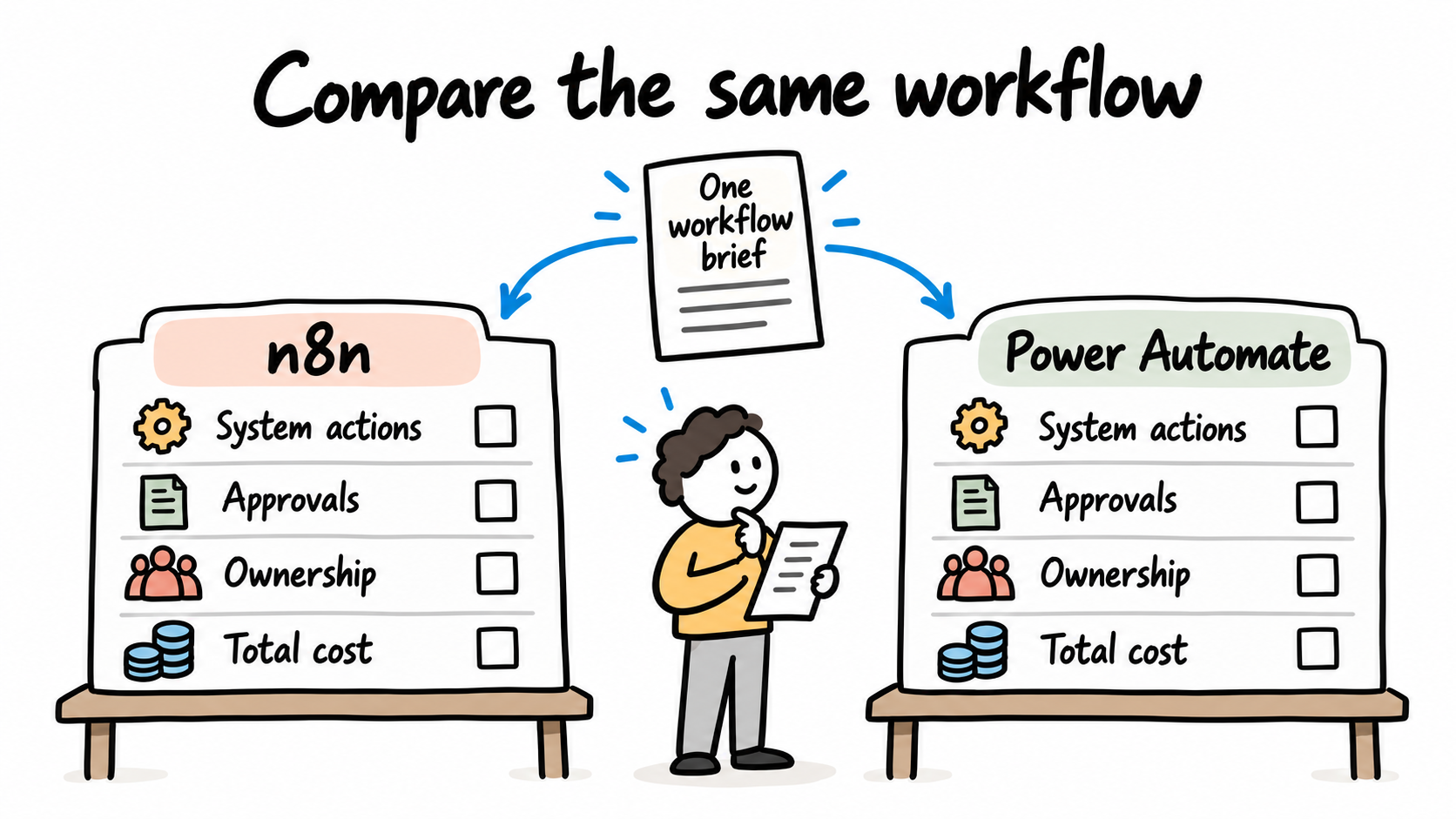
Define the trigger, inputs, finishing condition and manual decisions. Name the applications and the specific actions needed in each. Include the expected volume, peak demand, sensitive-data handling and recovery owner.
For an illustrative evaluation, consider an equipment-purchase request that needs validation, one or more approvals, creation of a purchasing record and confirmation to the requester. It must also handle an absent approver, a changed amount and an uncertain system update.
Use the same fields, authority matrix and acceptance cases in both versions. Comparing a simple notification in one platform with a complete approval process in the other will not help you choose.
Verify actions rather than counting integrations
A connector or node name is a starting point. Confirm whether it supports the required operation, fields, authentication method and edition of the destination product.
Where a required action needs an API call or another integration approach, include the setup, permissions and maintenance in the comparison. Check that a failed request can be detected and reconciled using the available interface.
Use the platform evaluation matrix to record evidence and unresolved questions. Keep a mandatory requirement as a gate: a high overall preference score cannot compensate for a required action that has not been shown to work.
Compare the operating fit
| Consideration | n8n evaluation | Power Automate evaluation |
|---|---|---|
| Existing systems | Verify required nodes or API operations and credentials | Verify required connectors or API operations and credentials |
| Deployment | Assess n8n Cloud or a self-hosted arrangement | Assess the Microsoft cloud-flow environment and any required local connectivity |
| Approvals | Assess the request, reviewer experience, authority checks and durable state | Assess supported approval actions and their fit with the authority policy |
| Ownership | Identify who can maintain workflows and, if applicable, hosting | Identify who can maintain flows, connections, environments and licensing |
| Cost | Model the selected edition, executions, hosting and external services | Model the selected licensing context, entitlements, capacity and external services |
n8n's hosting documentation describes self-hosting and the operational knowledge it requires. Self-hosting gives you infrastructure decisions to make, including updates, backups and recovery. It does not establish that every governance feature is included in every edition.
Microsoft's getting-started documentation is a starting point for Power Automate's cloud-flow environment. Confirm local data access and administrator policies with the team responsible for your Microsoft environment. Local connectivity and the location of the orchestration service are separate requirements to check.
Test approvals as a complete experience
Power Automate documents approval types such as everyone-must-approve, first-response and sequential decisions. Check the approval documentation against the policy you need to implement.
n8n's Wait node documentation describes pausing and resuming execution. A paused workflow alone does not supply the full approval experience: the design still needs a way to identify eligible reviewers, show the correct request revision and record the decision.
For either candidate, test what happens when someone changes an amount after approval, a delegate lacks authority or an old response arrives late. The approval workflow guide defines those business cases independently of the platform.
Compare cost using the intended configuration
n8n's pricing page describes execution-based allowances for its paid plans. Confirm how the proposed workflow's triggers, retries and operating pattern affect the applicable allowance, and add hosting and other service charges where relevant.
Microsoft's licence types distinguish user and capacity licensing and the entitlements available under different arrangements. Existing Microsoft subscriptions do not establish that every required connector or scenario is covered.
Use the current vendor terms for the exact deployment and users involved. Include internal support effort, access administration and review work. No universal cost winner follows from the price of a single subscription. The project-cost guide helps compare the scope around those platform costs.
Run a bounded comparison
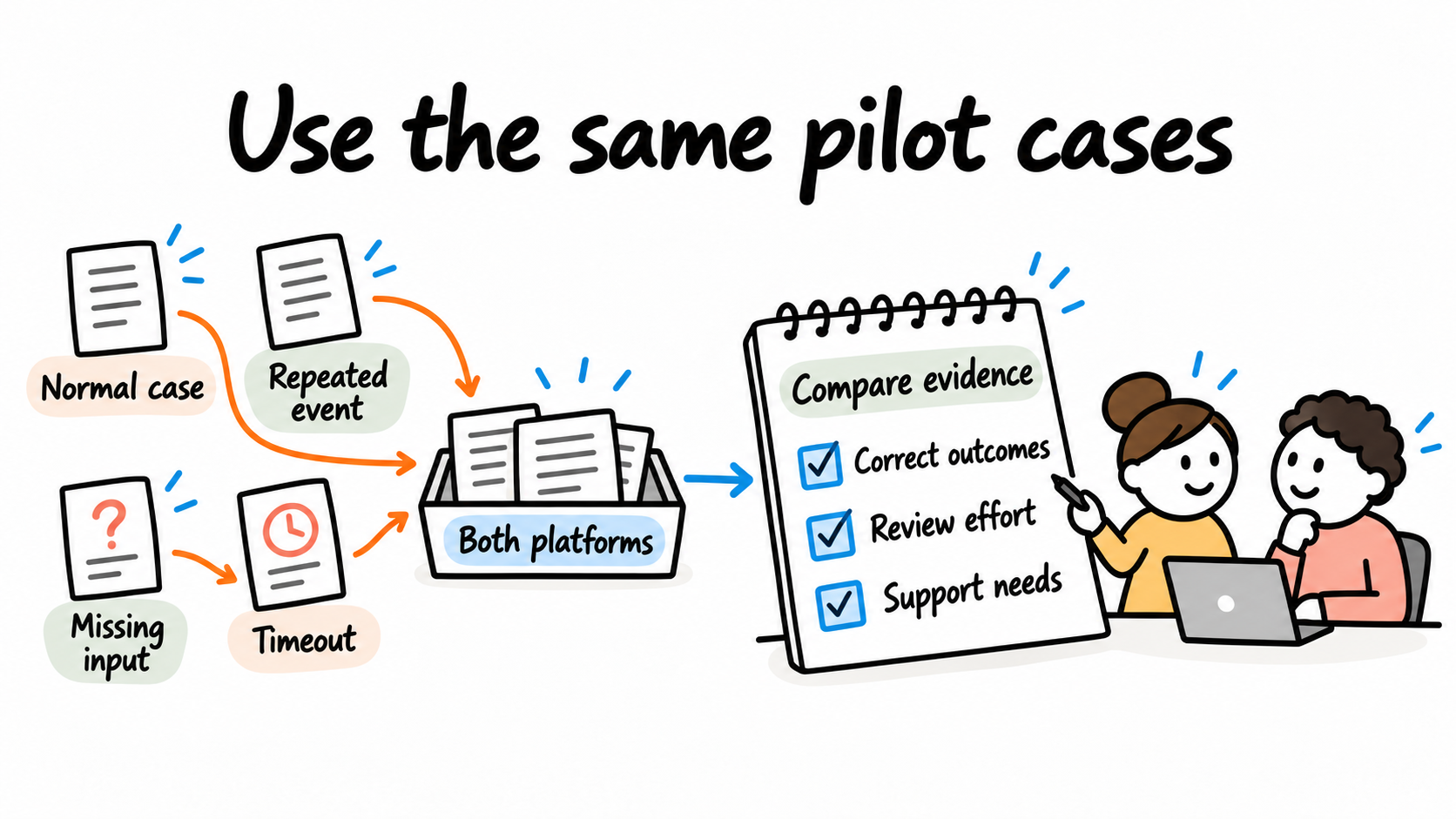
The shared pilot test brief provides the same normal and exception scenarios for both platforms. It is an evaluation plan with blank actual-results fields, not an executed benchmark.
For each candidate, record the configuration, required entitlements and evidence that the expected business outcome occurred. Measure operator effort and recovery steps as well as successful execution. Use representative test data and approved access rather than a demonstration that creates real purchasing commitments.
Assess whether another team member can diagnose a failure and maintain a small change using the handover documentation. The maintainable choice depends on who will actually operate it after the initial builder has left.
Make a workflow-specific decision
An organisation with an established Microsoft operating team and a suitable approval pattern may find Power Automate a sensible option to pilot. A team needing an n8n-supported integration approach or a self-hosted runtime may find n8n worth piloting. Required capabilities, permissions and ongoing ownership must still be verified in either case.
Document why the selected option fits the requirements and what remains unresolved. If neither meets the mandatory conditions within a practical scope, change the design before committing to the platform.
Discuss the workflow before selecting a tool
We help you turn a platform comparison into a decision about a working business solution. We define the workflow and acceptance criteria with your team, check the system actions and trial the options against the same cases.
After the approach is agreed, we can implement the workflow or integration through testing and handover. Where your development team is involved, we make requirements, dependencies and acceptance decisions clear. Bring the systems, the required outcome and the people who will operate the solution.
See how we build around your systems and requirements, or explore our broader business improvement and solution delivery services.
Discuss your automation platform choice with Solvero.
About the author
Jateen Narsai is an IT professional with over 15 years’ experience in business and systems analysis, process improvement and software solution design. His work includes customer onboarding, approval workflows and reporting automation. He works across requirements, solution documentation, testing and implementation support, with a focus on reducing manual effort and making systems easier to use.